
Migrate your affiliates
Migrate from Shoffi
Easily transfer your affiliates, referrals, and payment information from Shoffi to Mantle using Mantle’s migration tool.
To migrate your data, you’ll need to create three CSV files - one each for your Affiliates, Referrals, and Payments.
Since Shoffi doesn’t have a CSV export option, you’ll need to pull the data from their API first. Don’t worry - we’ve created CSV templates to show you exactly what format you need for each file.
Follow these simple steps to get started:
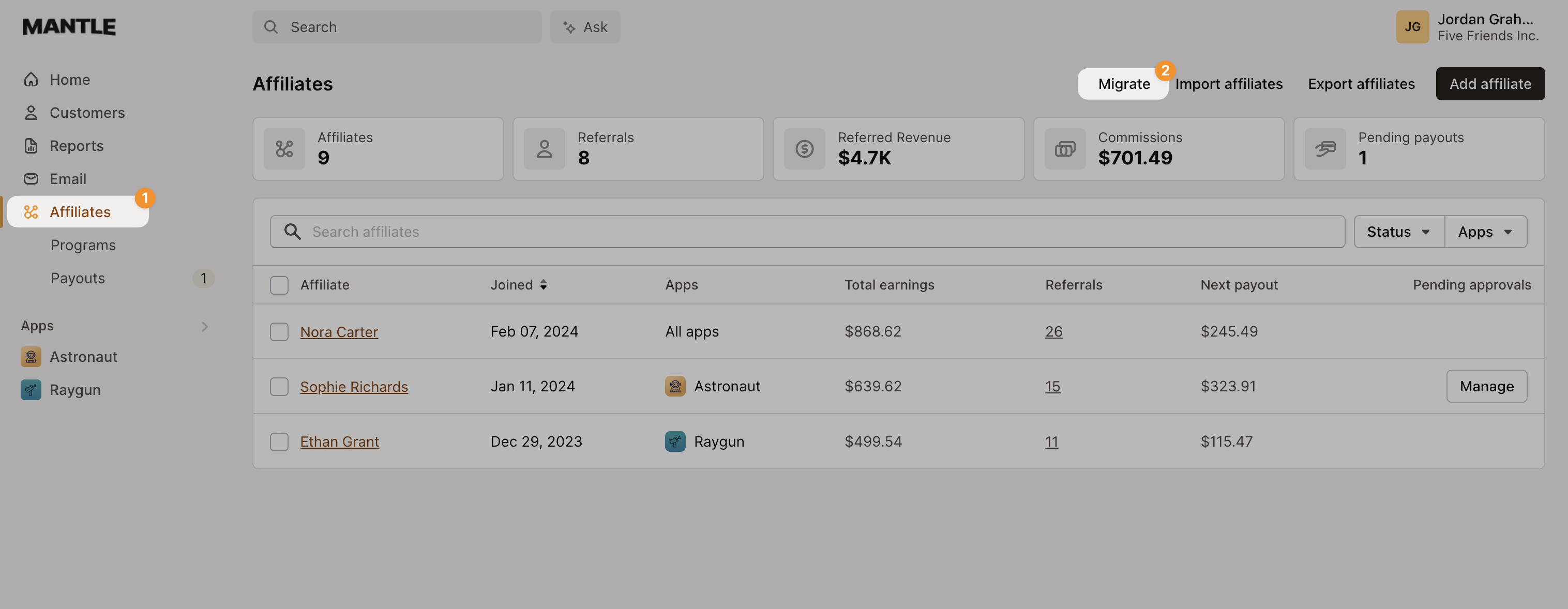
Go to your Affiliates section and select the Migrate button:
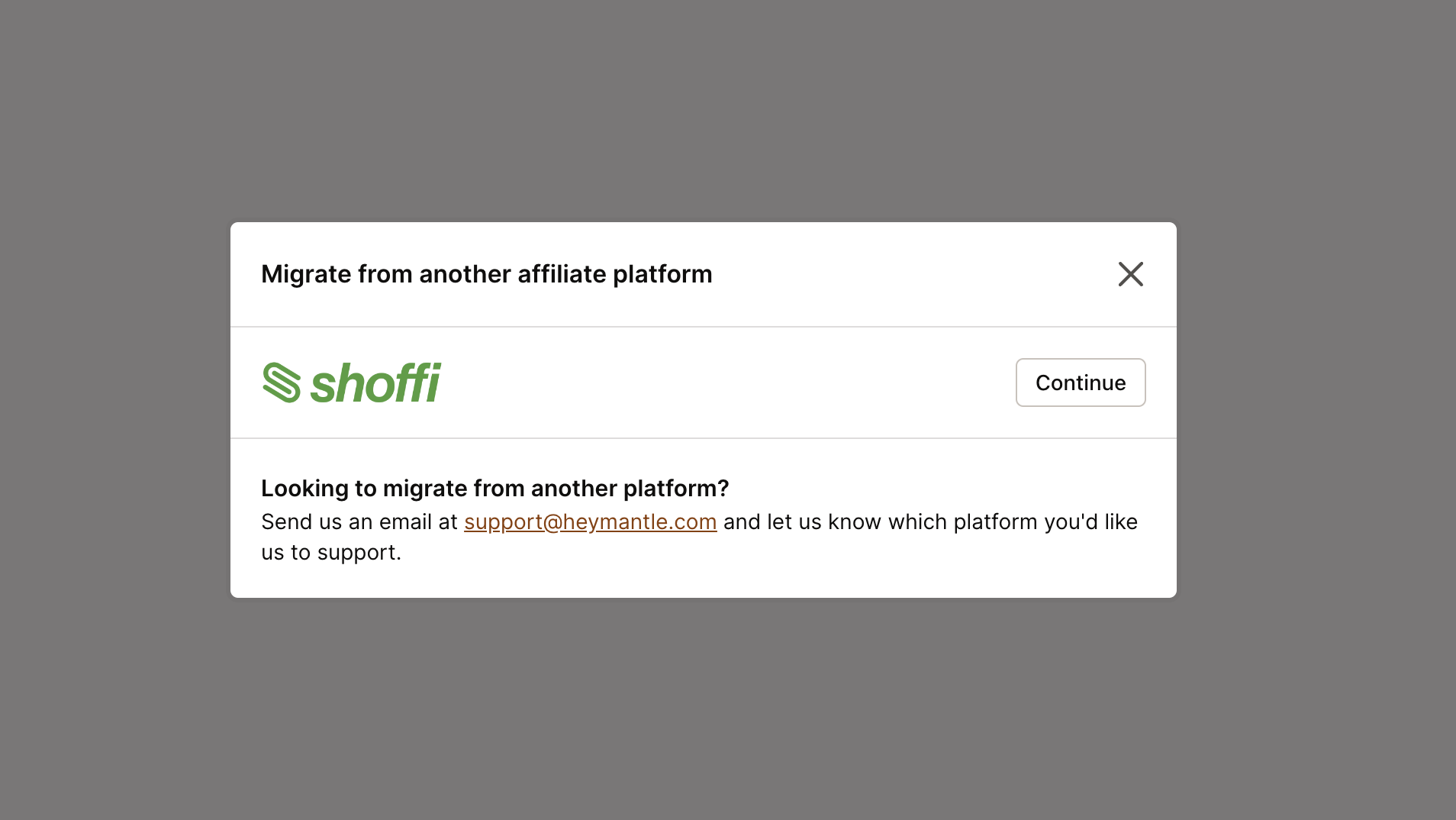
Click Continue on Shoffi:
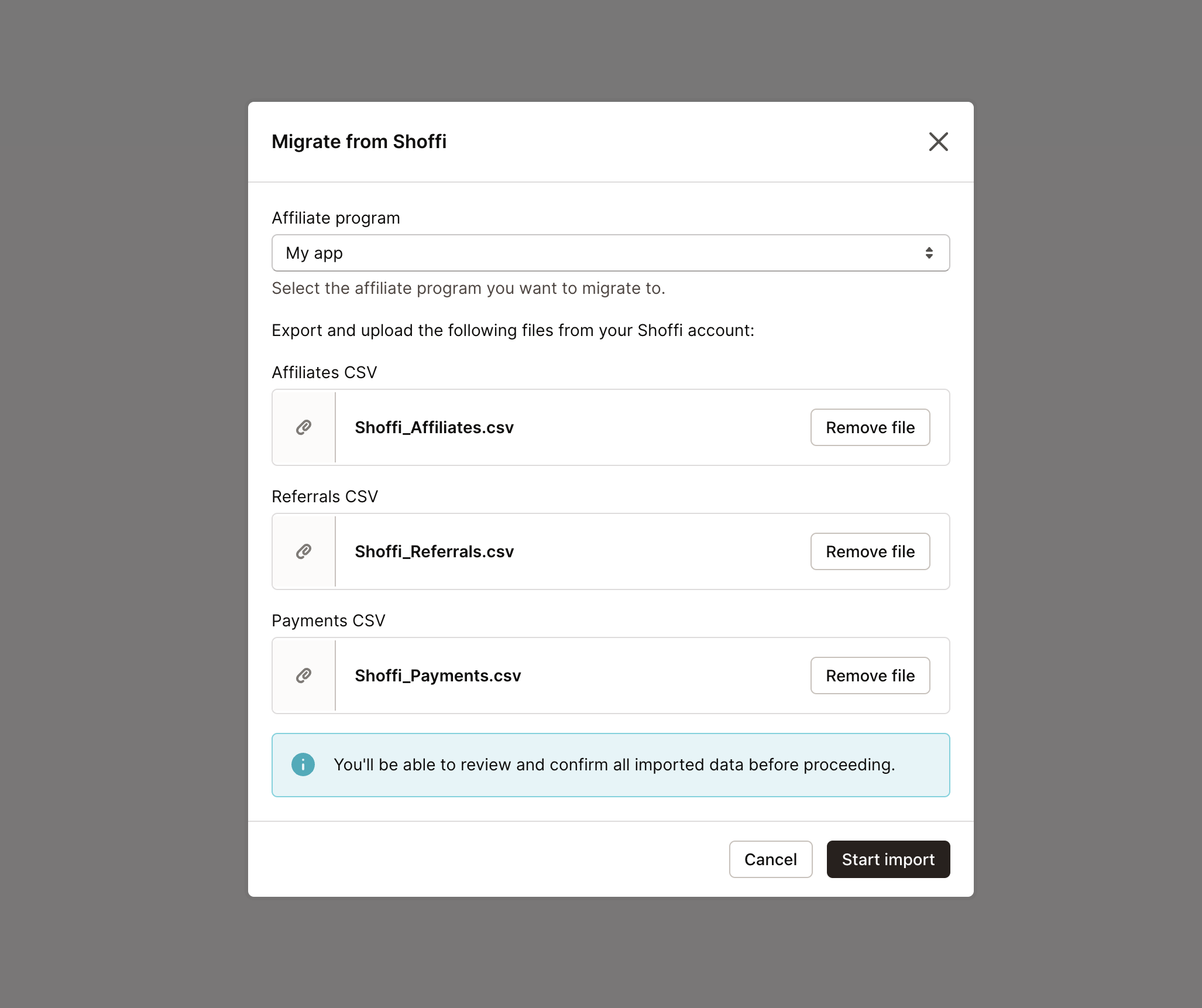
Upload your Shoffi CSV files and initiate the import by clicking Start import:
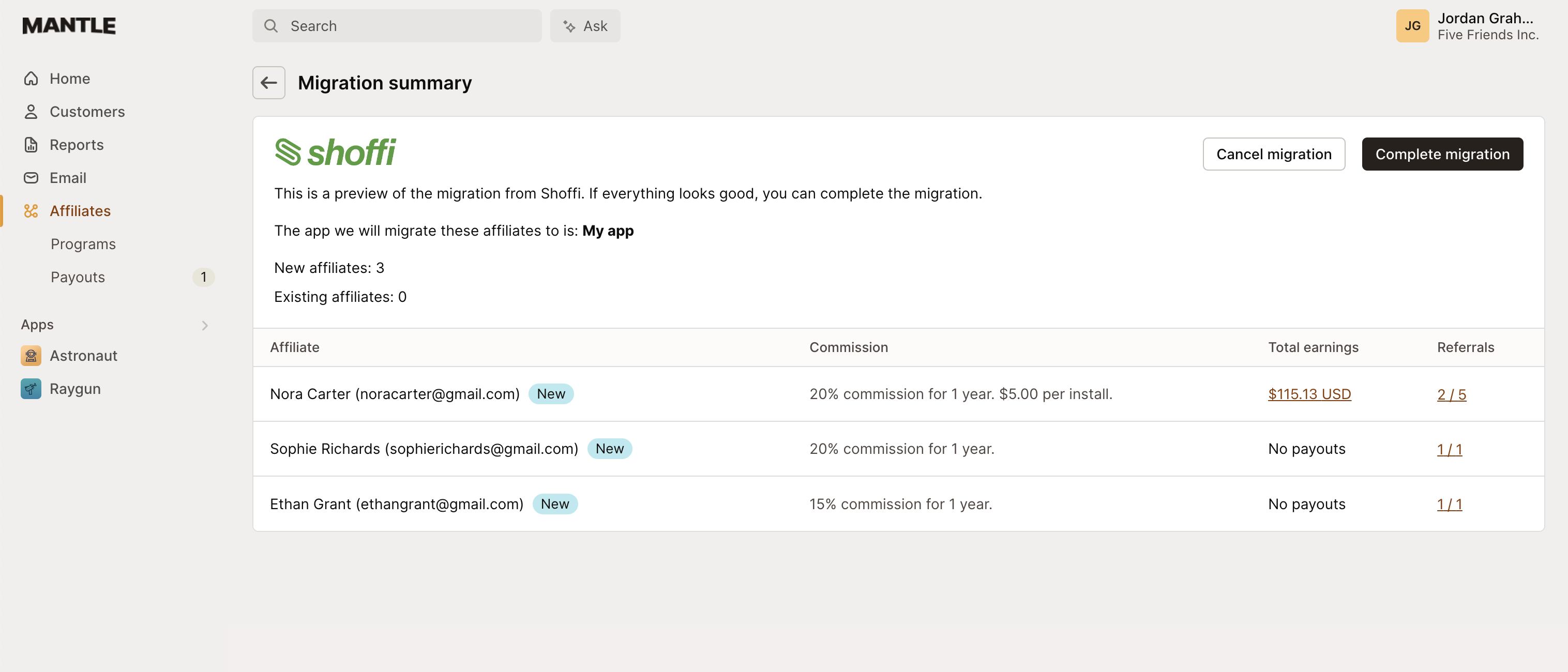
Confirm your information on the verification screen:
Should there be any referrals to customers not found in your list, Mantle will alert you:
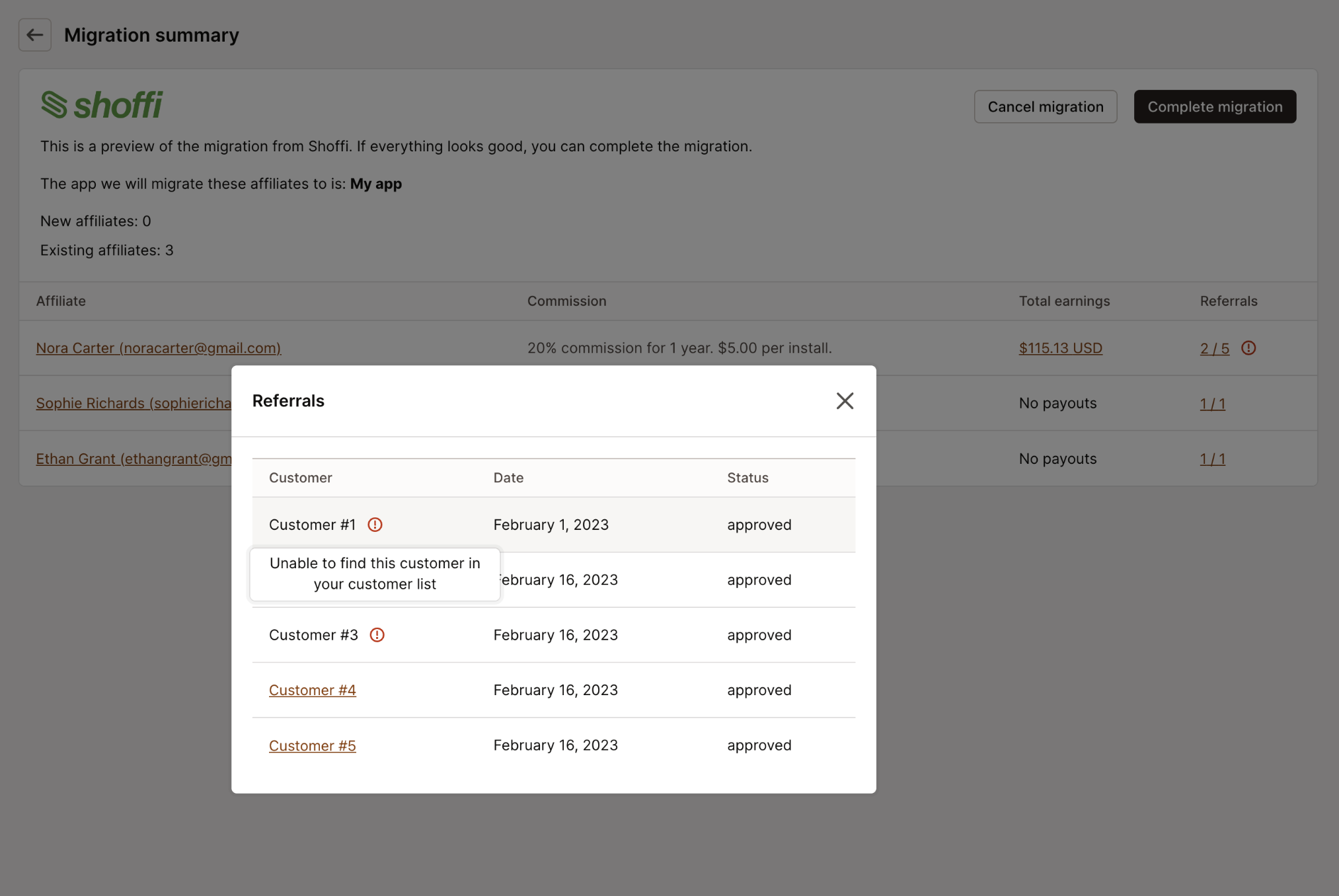
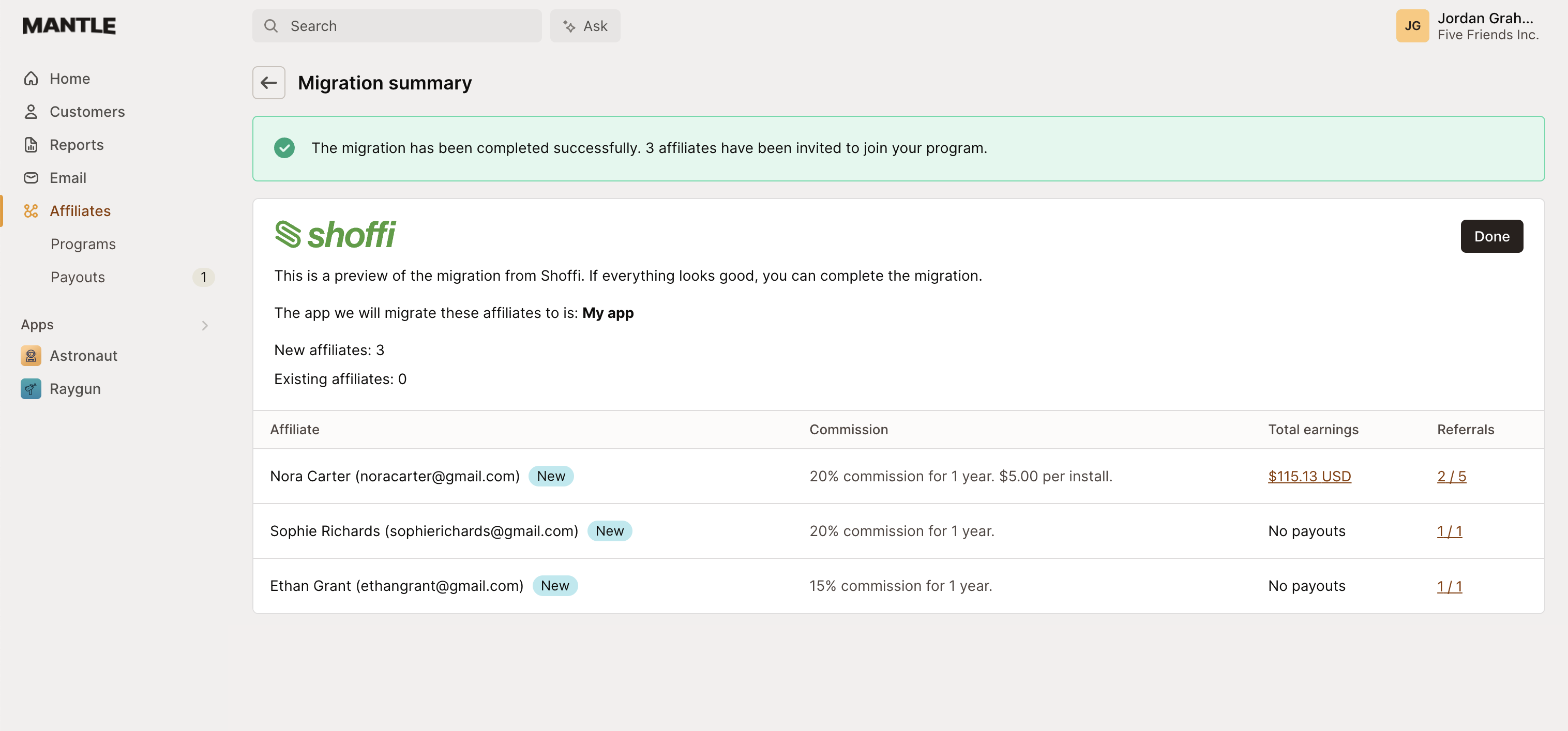
If everything is in order, finalize the process by clicking Complete migration. Your data will then be fully migrated to Mantle:
Bulk import from any platform
Mantle also provides a flexible bulk import option that works with any platform. This allows you to migrate your affiliates, referrals, or payment data using a simple CSV format.
Navigate to the Affiliates section in Mantle
Click on the Import button
Select what you want to import: affiliates, referrals, or payments
Upload your CSV file (example templates are provided)

This bulk import feature makes it easy to transition from any platform to Mantle’s affiliate system. Simply format your data according to the provided templates, and you’ll be up and running with your complete affiliate program in no time.