
Slack

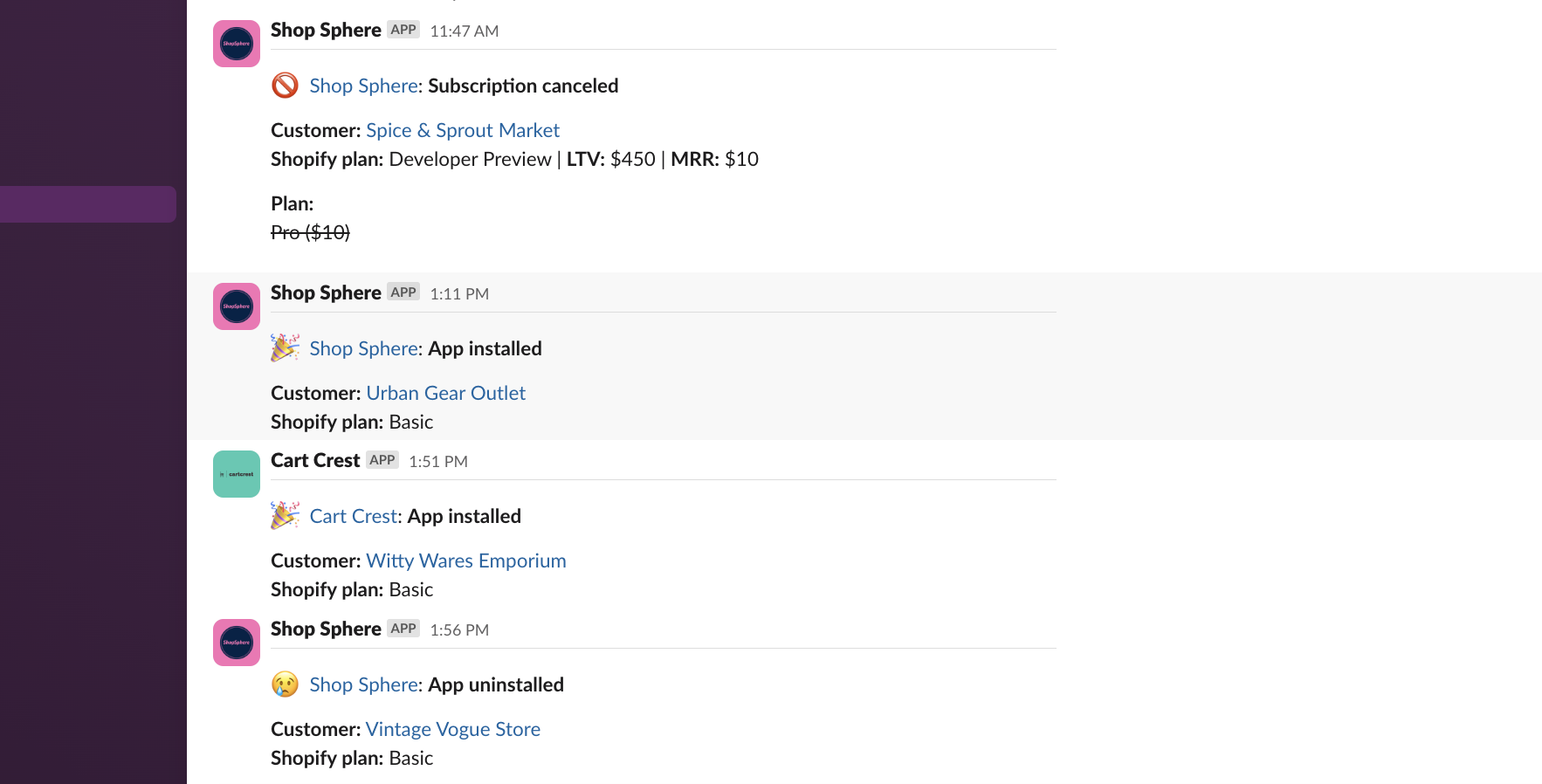
Integrate Mantle with your Slack organization so you never miss out on essential updates. With the Mantle x Slack integration, you can stay up to date with notifications encompassing a wide range of events:
Categories | Activities |
|---|---|
App Activities | Customer installed app |
Customer uninstalled app | |
Customer reinstalled app | |
Shop deactivated | |
Shop reactivated | |
Customer reviewed app | |
Subscription Activities | Customer subscribed to a plan |
Customer unsubscribed from a plan | |
Customer upgraded their plan | |
Customer downgraded their plan | |
Customer resubscribed to a plan | |
Subscription frozen | |
Subscription unfrozen | |
Usage Monitoring | Approaching capped usage limit |
Capped amount updated | |
Usage charge exceeds the limit | |
Other Activities | Comment added to customer timeline |
Daily reports |
Connect to Slack
Go to Settings > Integrations, and look for the Slack section.
Click the Connect button adjacent to the Slack icon.
A pop-up titled Slack integration will appear.
Click the Add to Slack button within the pop-up or click here:

You’ll be redirected to Slack’s authorization page. Follow the on-screen prompts to grant the necessary permissions.
After connecting Slack:
You can now create notification rule sets using Slack as a destination.
For those looking to further enrich their data, you can also connect with Segment to send your data to Mantle, or your Mantle data to Segment.