
Agent usage & billing
AI agents in Mantle use a usage-based billing model. Your plan includes a set number of agent runs per month—see our pricing page for details on what's included in each plan. Any additional runs beyond your plan's limit are billed at $0.10 per run.
What is an agent run?
An agent run is counted each time an agent processes a task. This could be responding to a customer inquiry, executing an action in a flow, or handling a triggered event. The complexity and length of the interaction factor into how runs are calculated—a quick, straightforward task uses fewer resources than a complex, multi-step conversation.
In general, most typical agent interactions count as a single run. Longer or more involved tasks may count as multiple runs based on the processing required.
Viewing your agent usage
To see your current agent usage, go to Settings and find the AI agent usage section on the Billing page.
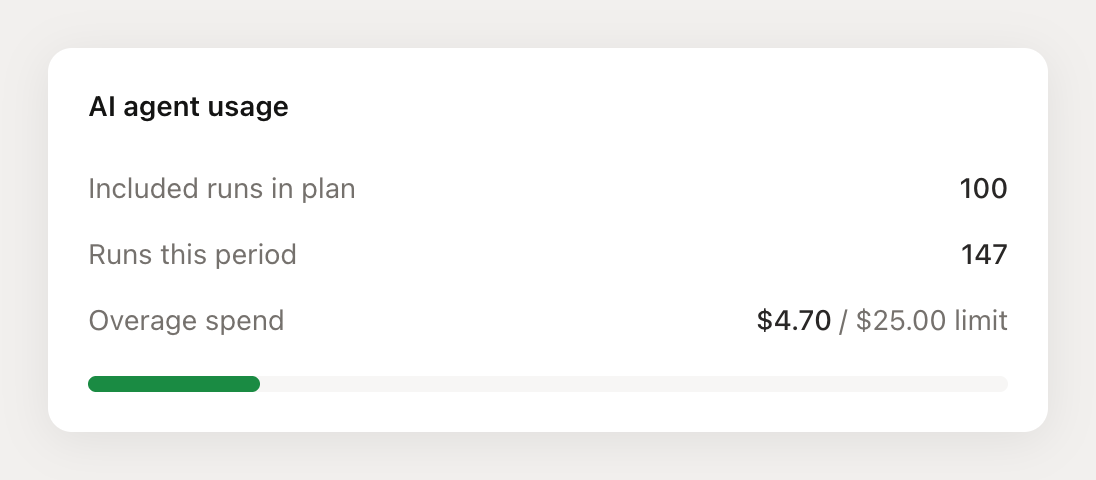
This section shows you:
- Included runs in plan - The number of agent runs included in your subscription each billing period
- Runs this period - How many agent runs you've used so far in the current billing period
- Overage spend - The dollar amount you've incurred for runs beyond your included amount (if overages are enabled)
If you've set a spend limit, you'll also see a progress bar showing how much of your limit you've used.
Setting a usage limit
By default, overages are disabled—once you've used your included runs, agents will stop running until the next billing period. If you want agents to continue running beyond your included amount, you can opt in to overages and set a spend limit.
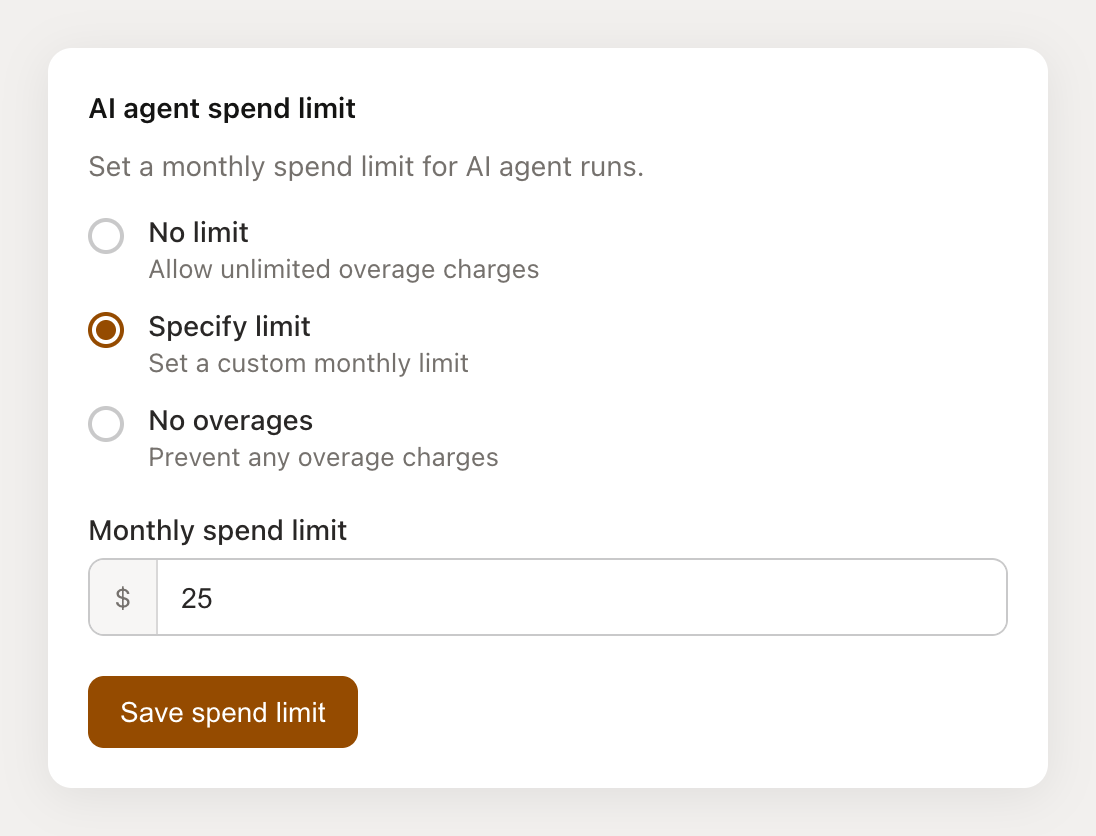
You have three options:
- No overages (default) - Once you've used your included runs, agents will stop running until the next billing period. No additional charges.
- Specify limit - Opt in to overages with a custom dollar amount as your monthly cap. Additional runs are charged at $0.10 each until your limit is reached.
- No limit - Allow unlimited overage charges. Your agents will continue running regardless of cost.
How overage billing works
If you've opted in to overages, here's how it works when you exceed your plan's included agent runs:
- Each additional run is charged at $0.10
- Charges accumulate throughout your billing period
- Overage amounts are added to your next invoice
If you've set a spend limit and reach it, agents will stop incurring additional charges until your next billing period or until you increase your limit.
Full billing page view
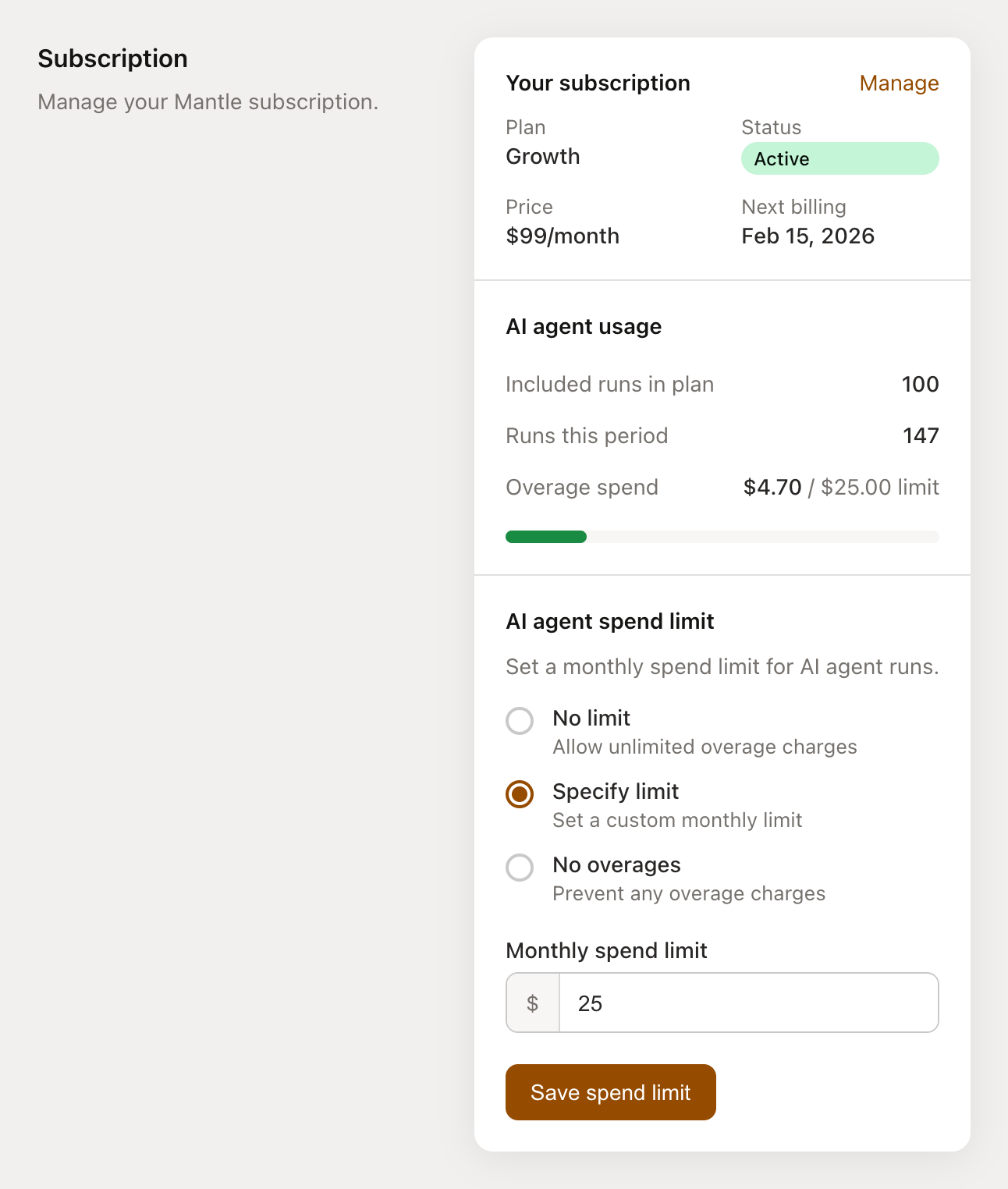
Here's how the complete billing page looks with your subscription details, agent usage, and spend limit settings: